
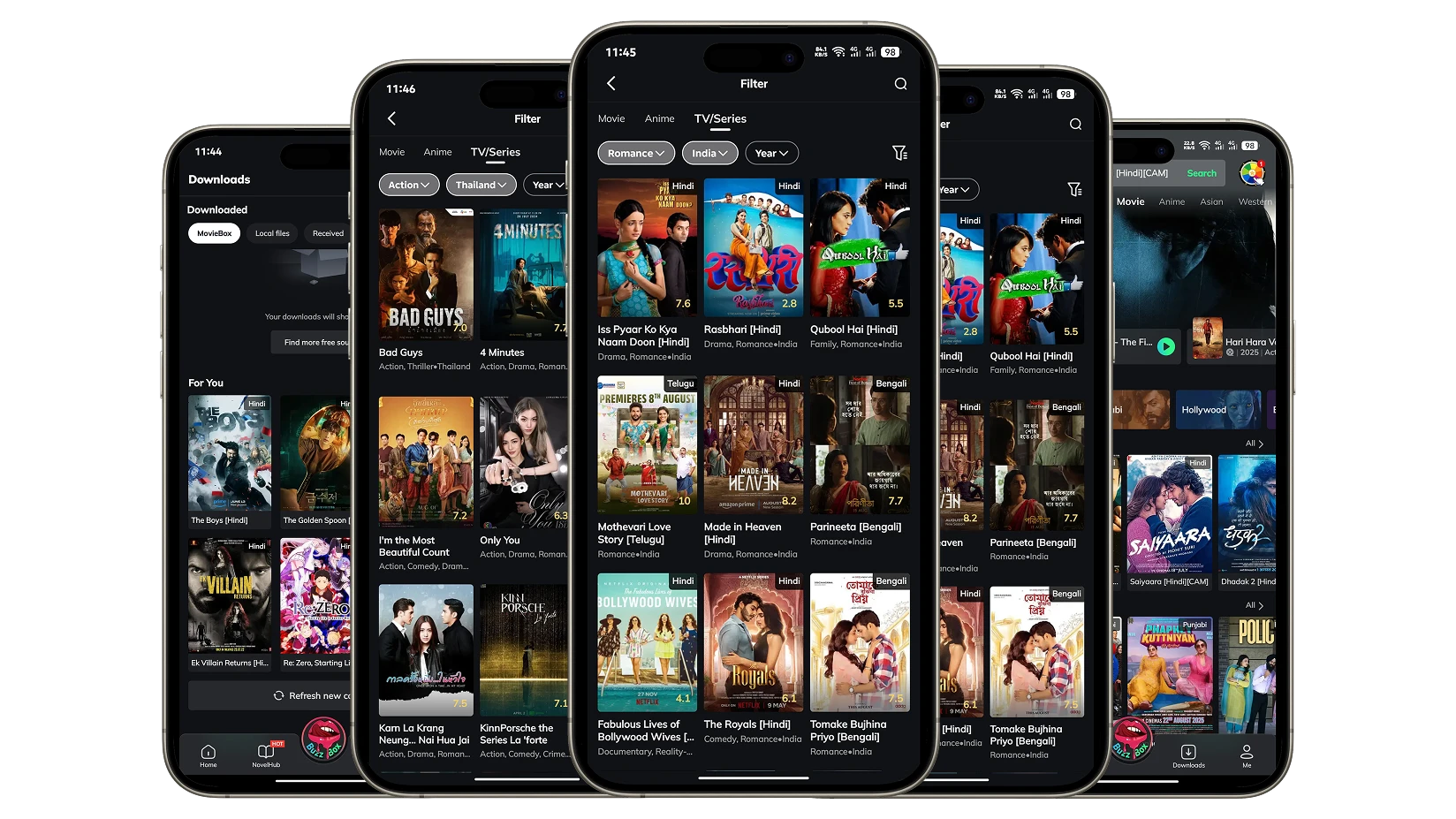
Streaming applications have fundamentally changed media consumption patterns, and MovieBox Pro on iOS has become a frequently mentioned option in this category. Tailored for iPhone and iPad users, it presents a consolidated library of HD and 4K films, trending television series, anime, and documentaries within a single interface. In contrast to established subscription platforms such as Netflix and Disney+, the iOS version of the app promotes access without the structure of traditional monthly fees. It advertises a free usage tier alongside optional premium tiers, including VIP access and a Family Plan (often referred to as “Private Garden”), which claim to provide expanded features and enhanced viewing privileges
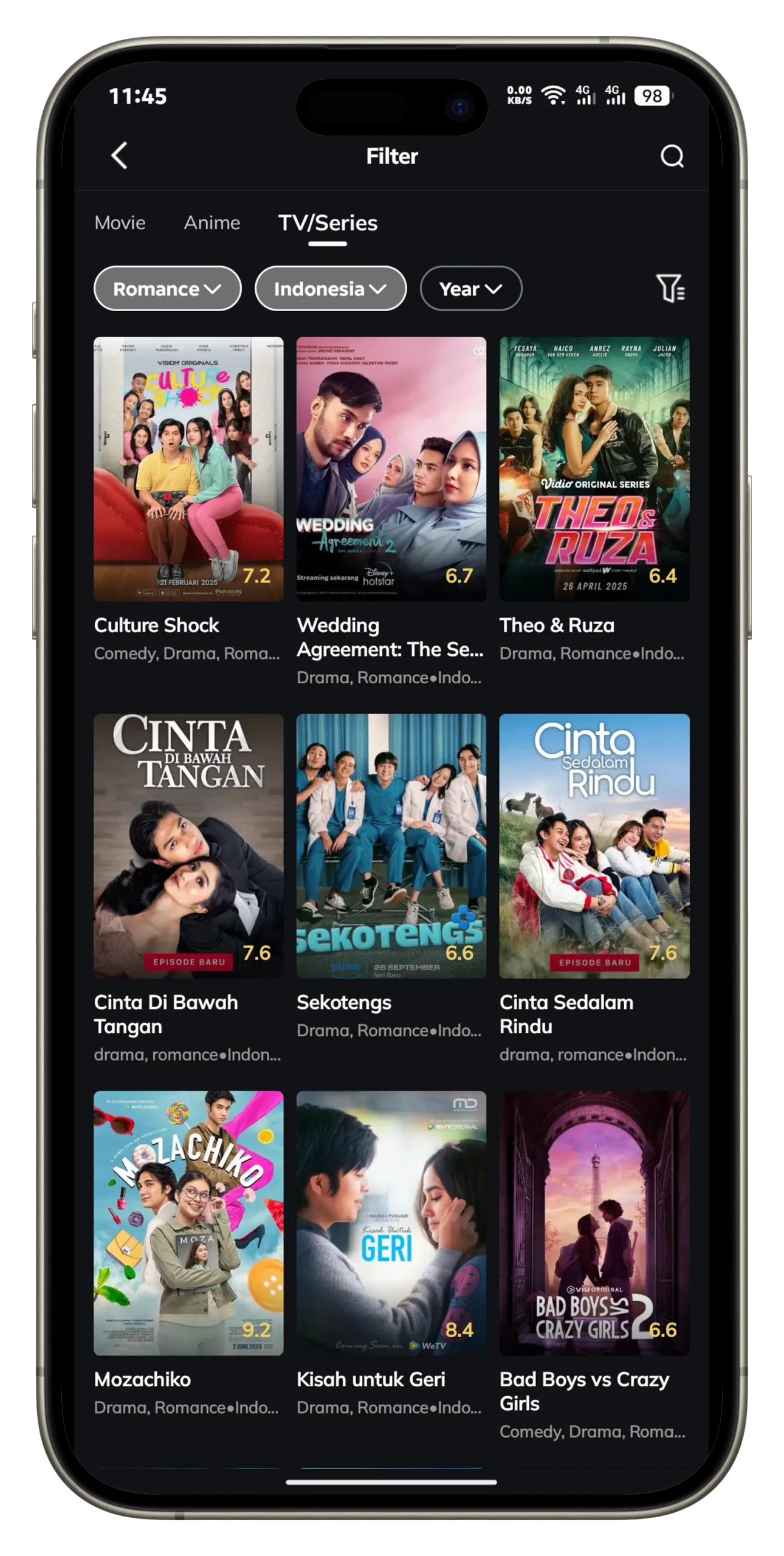
The app also includes powerful features such as offline downloads, multi-language subtitles, AirPlay support for bigger screens, and parental controls like Child Mode and Super Child Mode. However, there’s a catch: MovieBox Pro is not available on the Apple App Store. Because of Apple’s strict policies, iOS users need to rely on TestFlight, enterprise profile trust, or sideloading methods like AltStore and Sideloadly to install the app.
In this in-depth guide, you’ll learn everything about MovieBox Pro iPhone install methods, its features, VIP benefits, parental controls, safety practices, legal considerations, troubleshooting, and FAQs. By the end, you’ll be ready to enjoy MovieBox Pro responsibly and securely on your iOS device.
What is MovieBox Pro for iOS?
MovieBox Pro iOS is a third-party streaming application that allows iPhone and iPad users to enjoy a massive content library without paying high subscription fees. It gives access to Hollywood blockbusters, Bollywood films, anime, K-dramas, and documentaries, often available in HD, Full HD, and even 4K quality.
Unlike apps from the App Store, MovieBox Pro for iOS must be installed through alternative methods such as TestFlight or sideloading with AltStore IPA files. The app also includes Child Mode and Super Child Mode, which help parents manage safe viewing for children, and MovieBox Pro VIP plans that provide faster servers, premium titles, and smoother playback. For families, the Private Garden Family Plan makes it possible to share one subscription across multiple accounts with personalized watchlists.
MovieBox Pro iPhone install is best for:
iOS users who want subscription-free streaming.
Families looking for child-safe viewing with parental controls.
Users interested in HD/4K content with offline downloads.
Key Features of MovieBox Pro iOS (2025)
The growing popularity of MovieBox Pro for iPhone comes from its feature set, which rivals many mainstream apps. Here’s what you get in 2025:
1. Huge Content Library
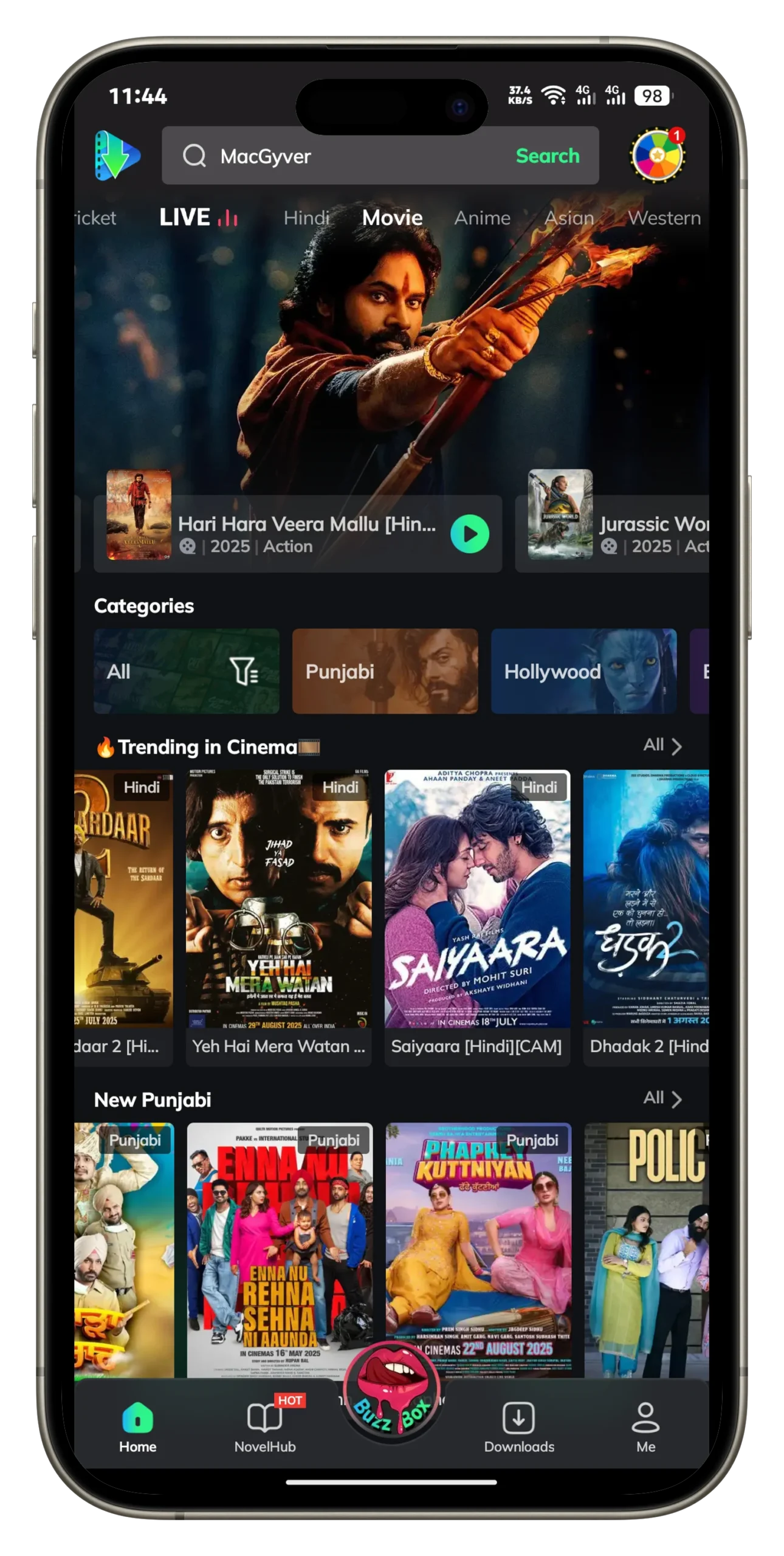
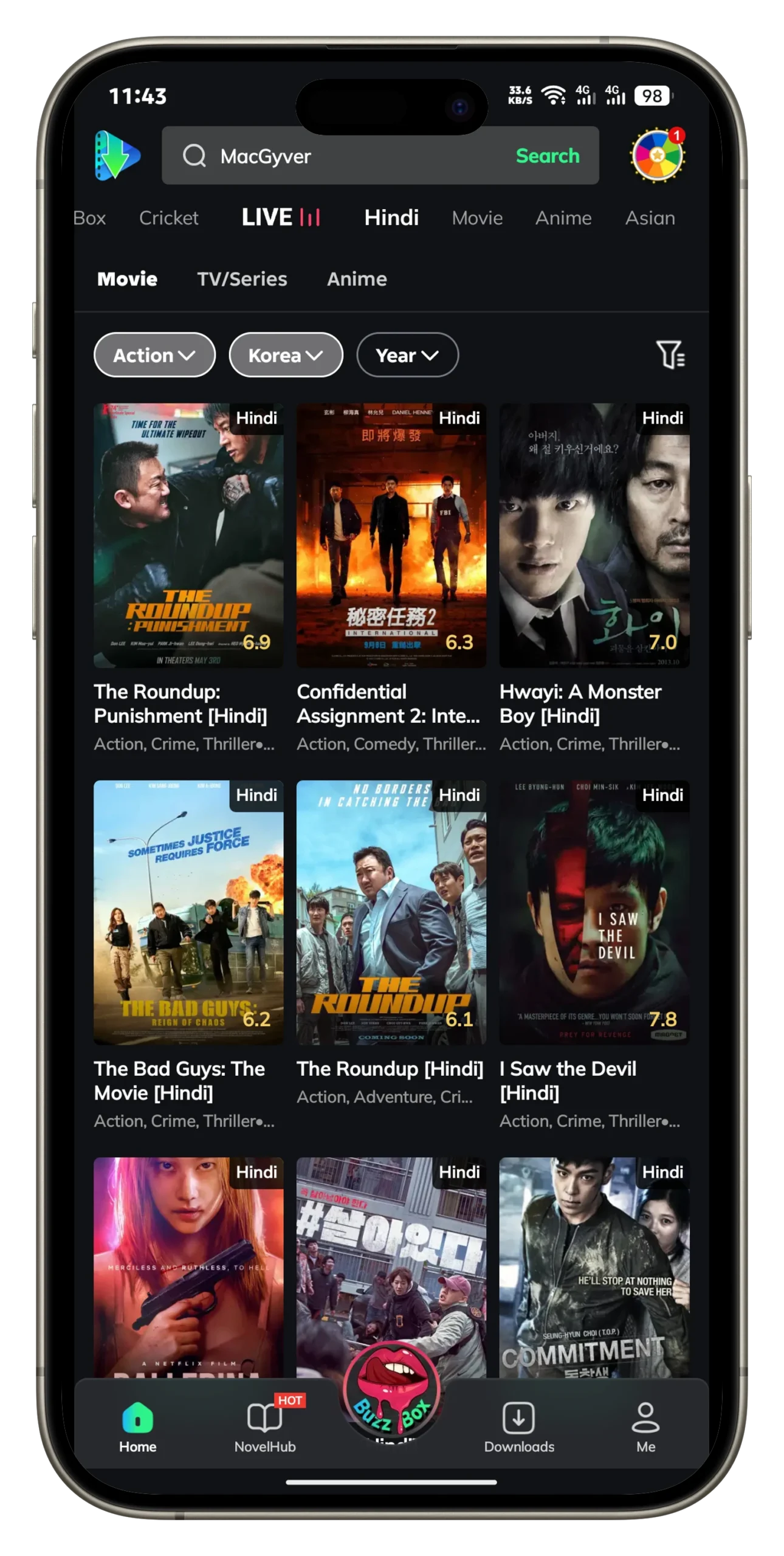
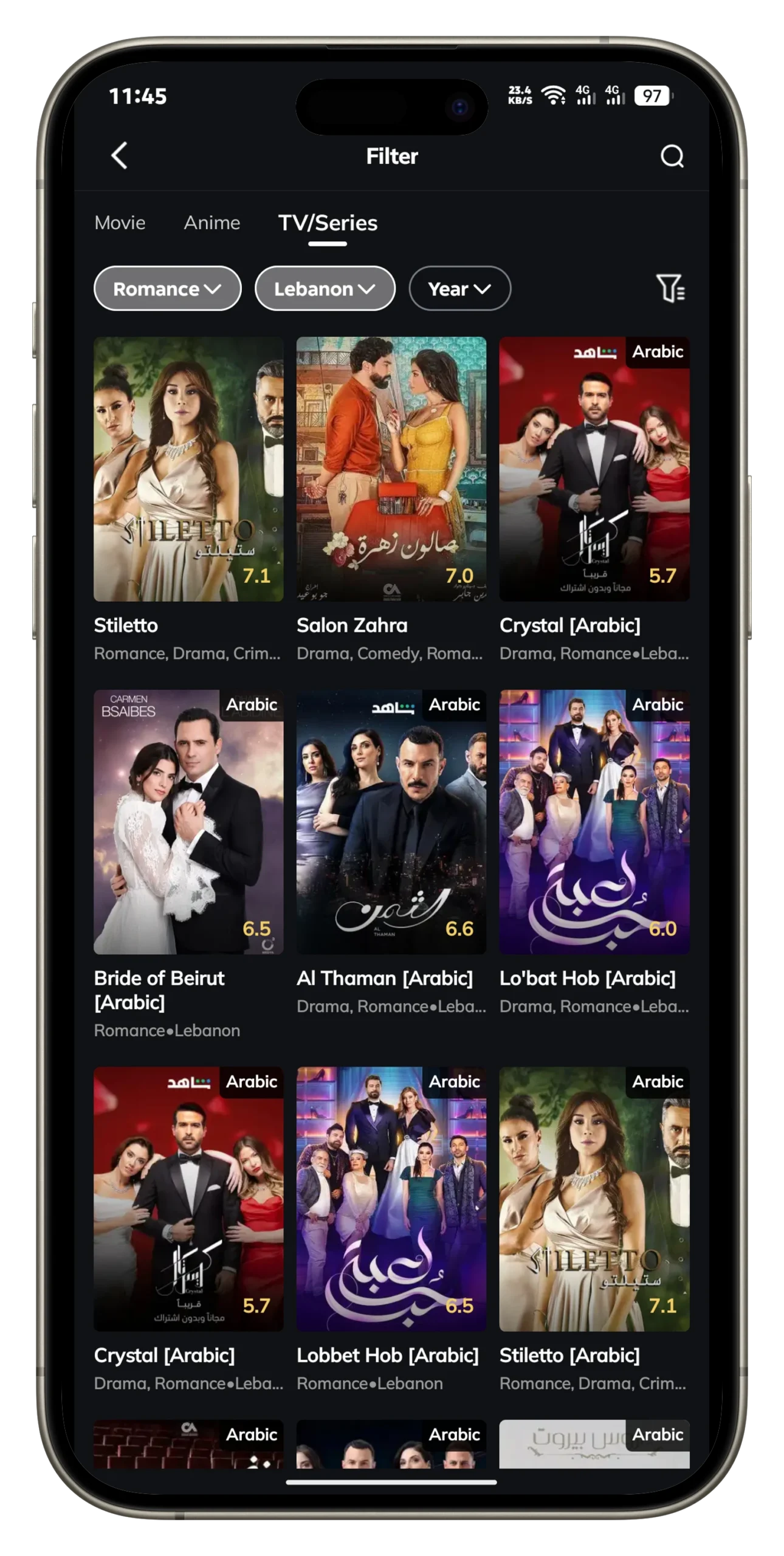
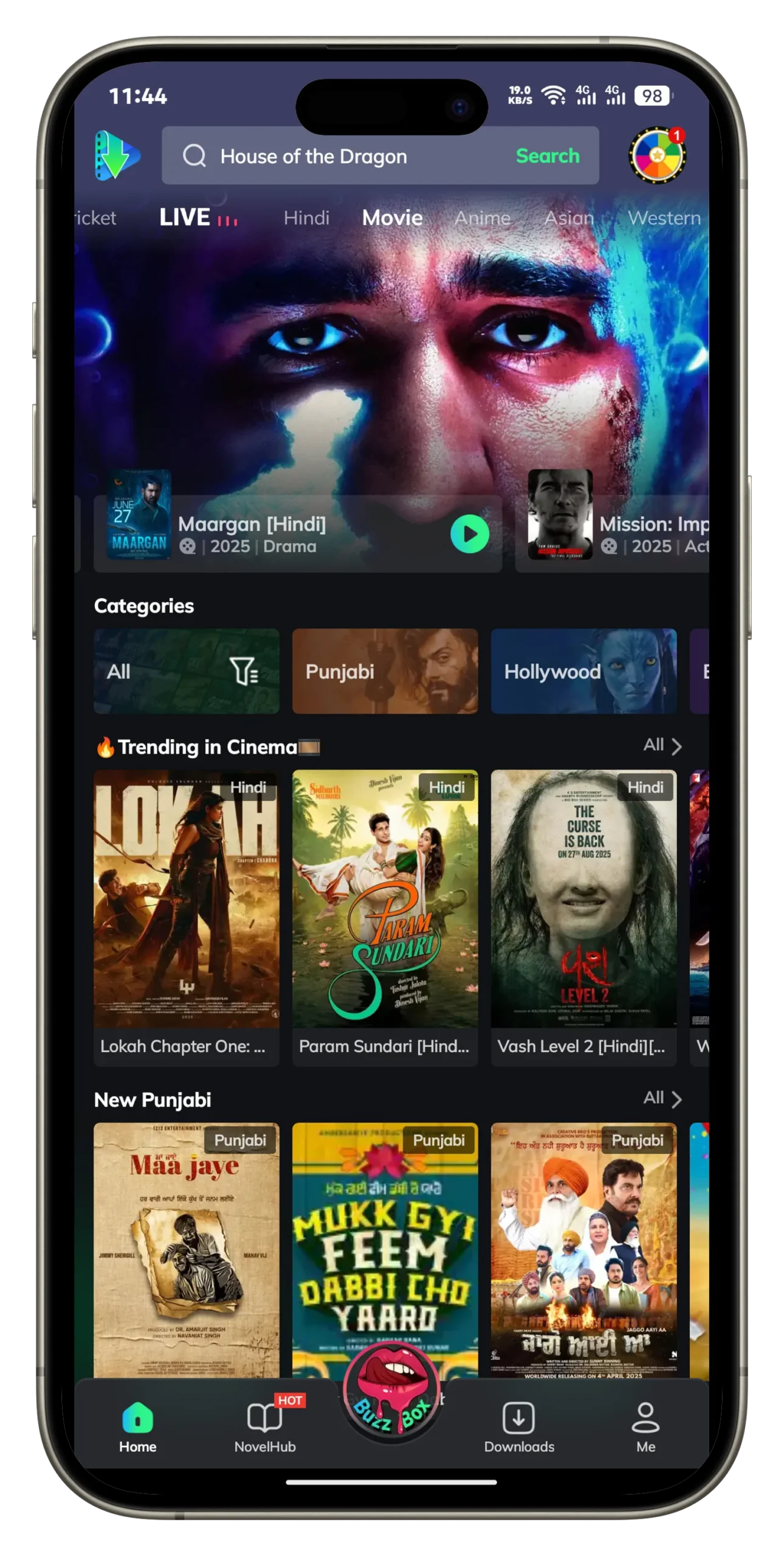
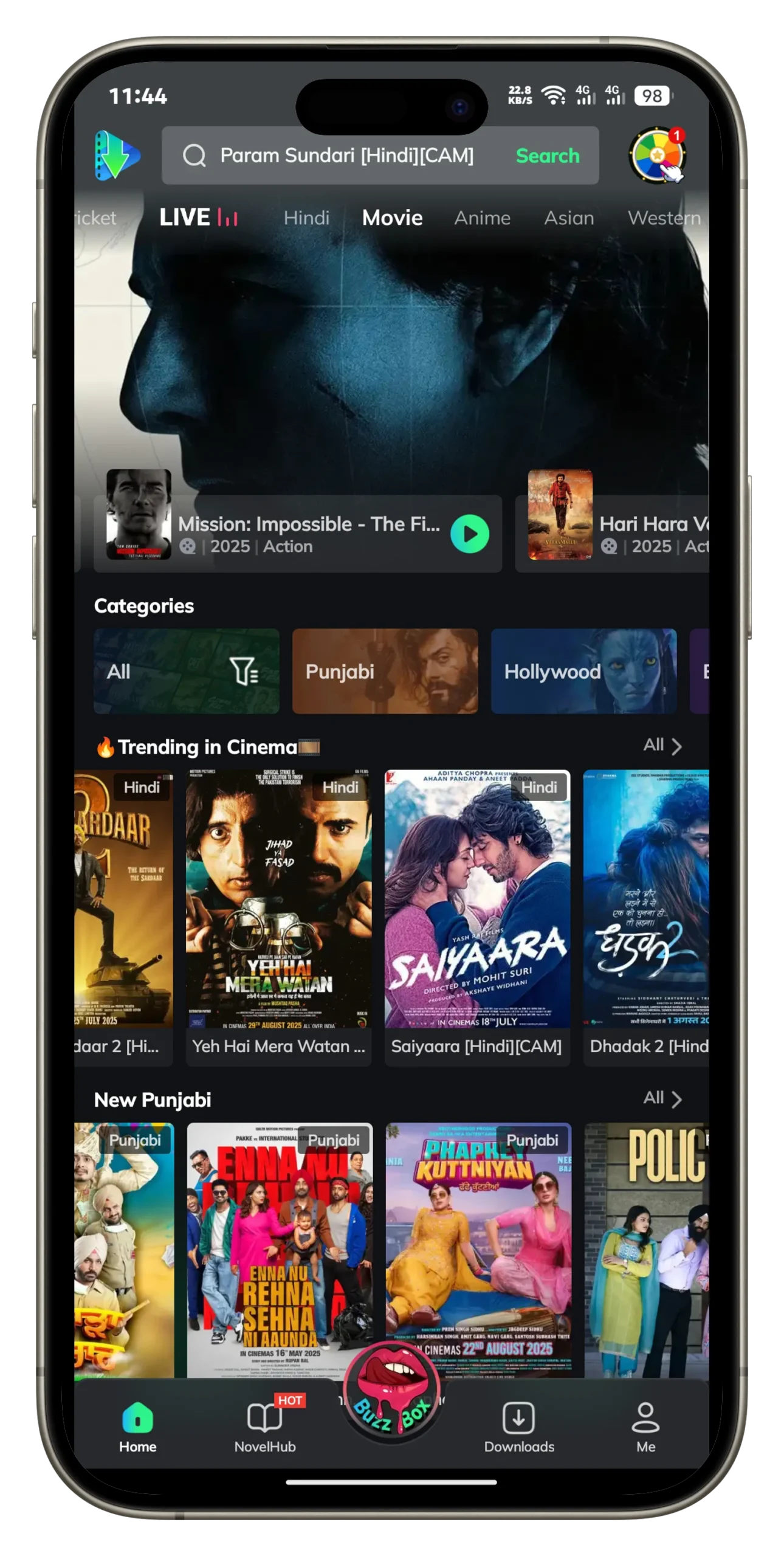
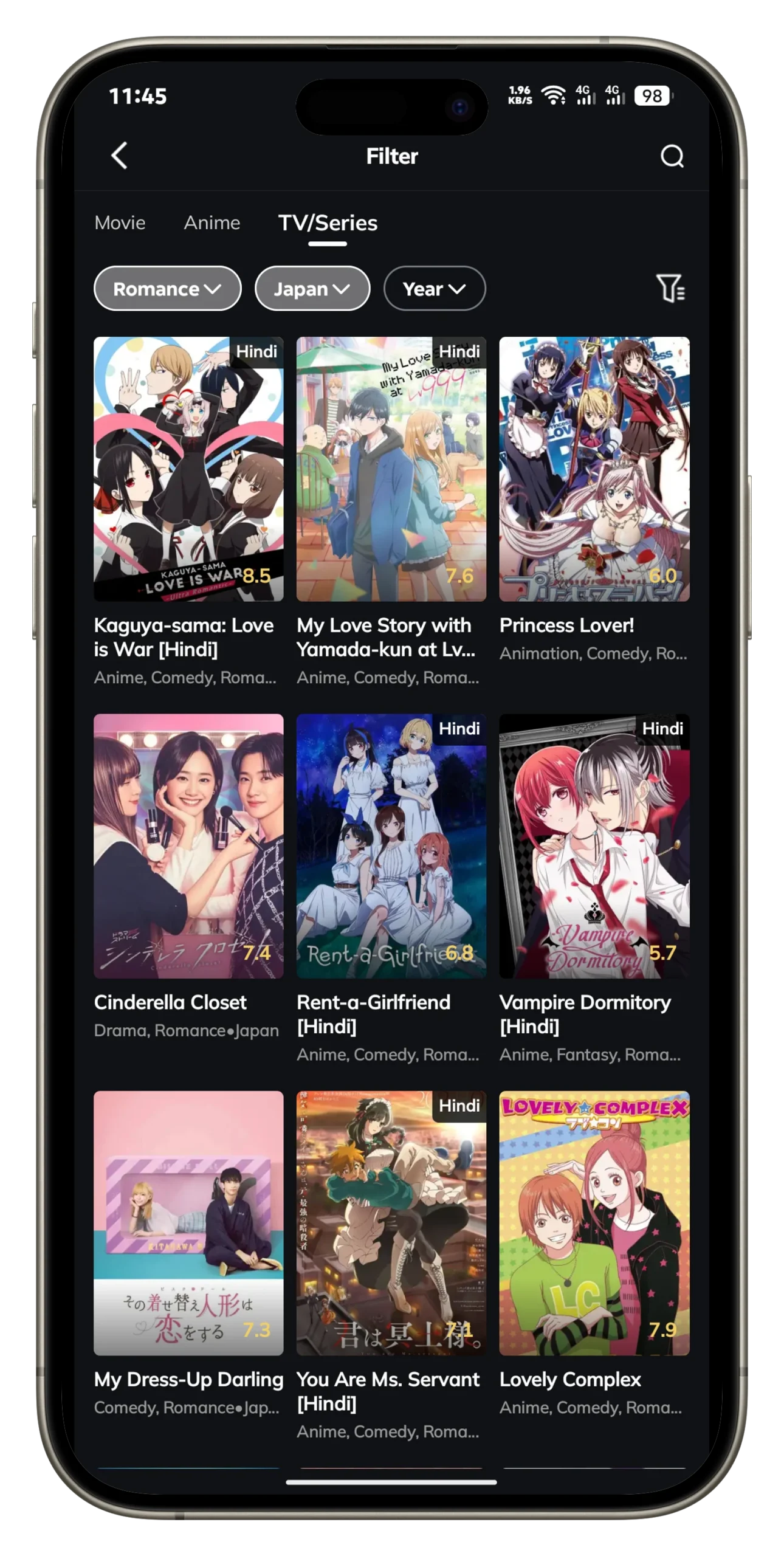
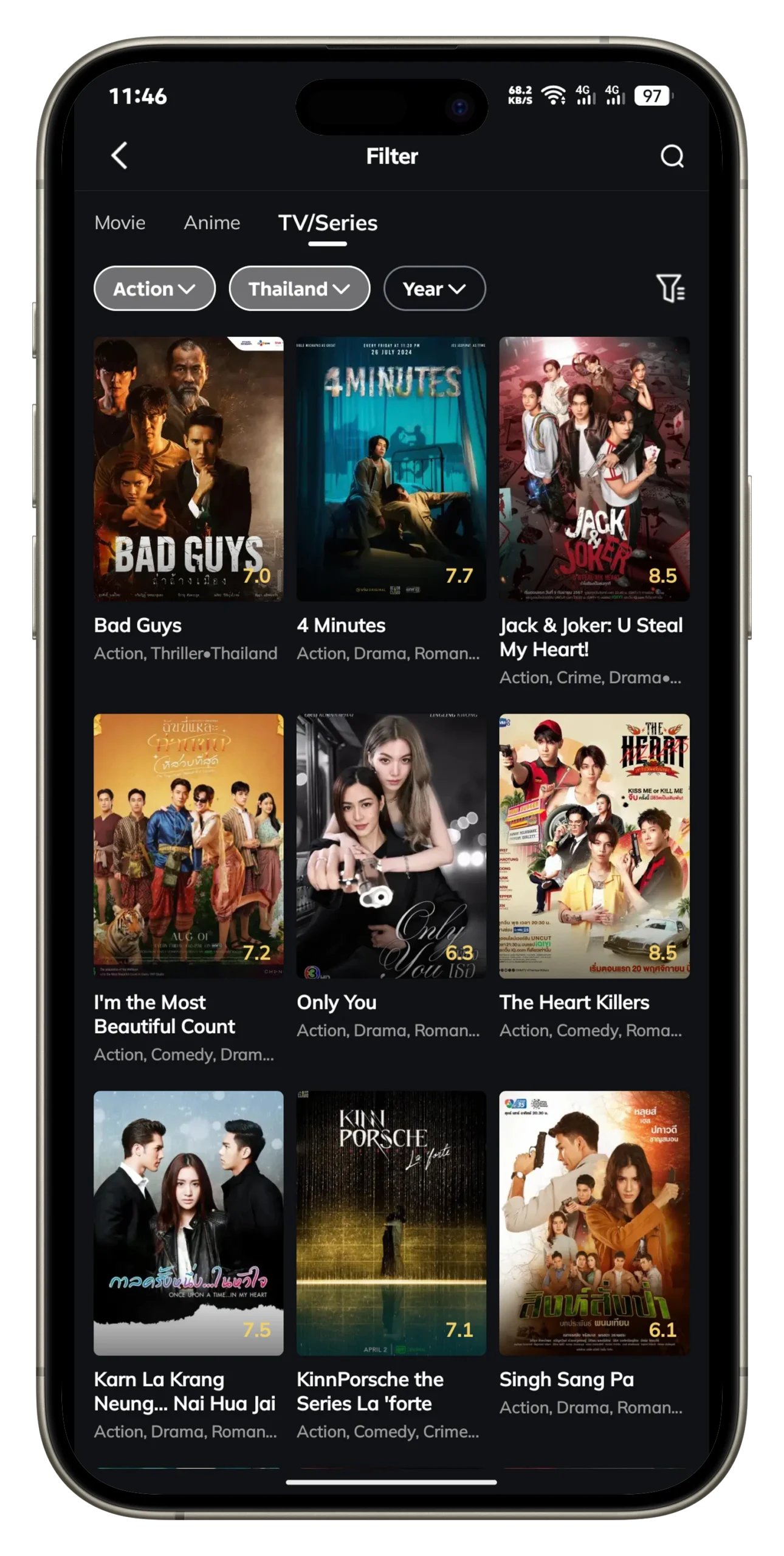
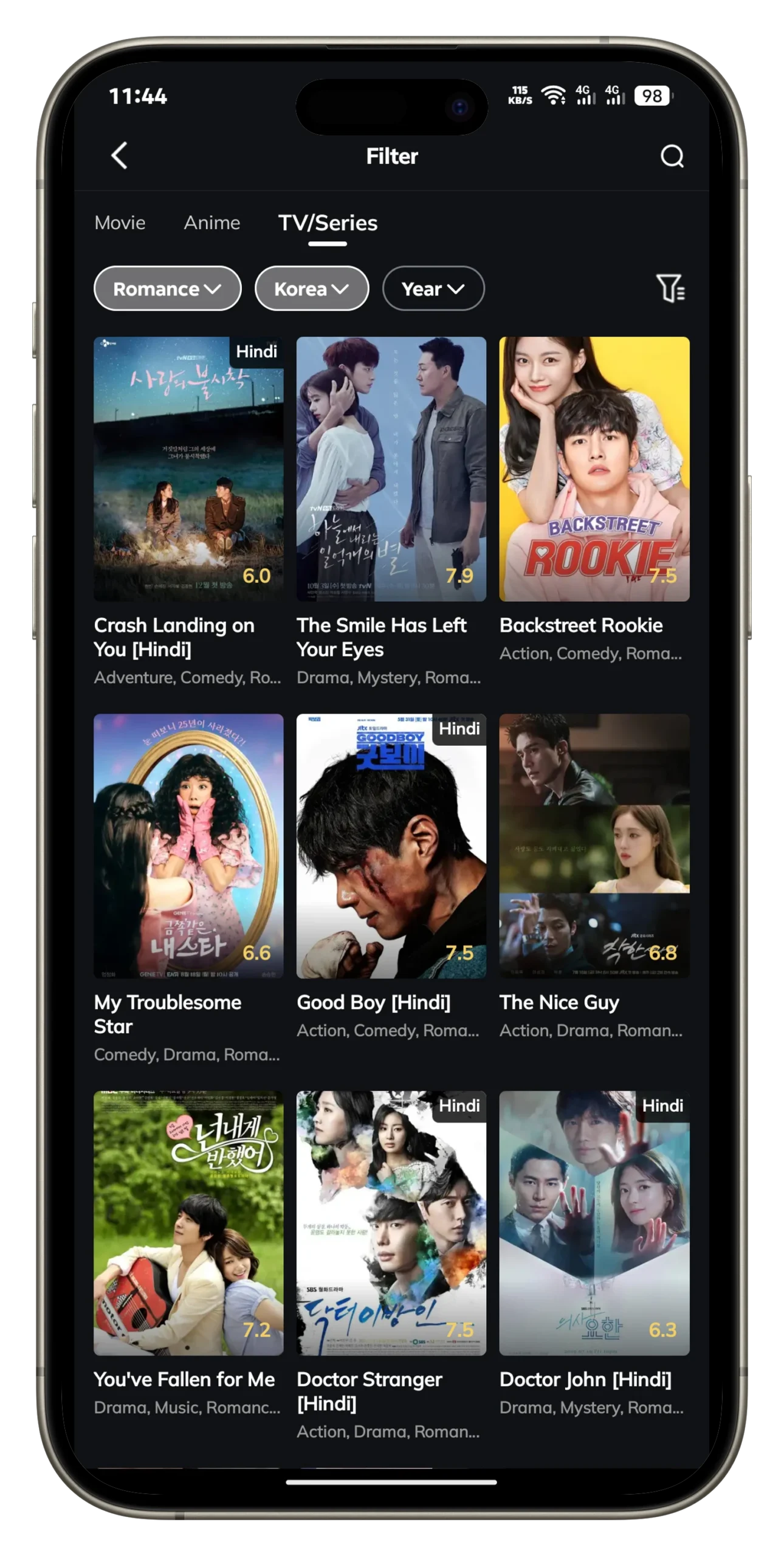
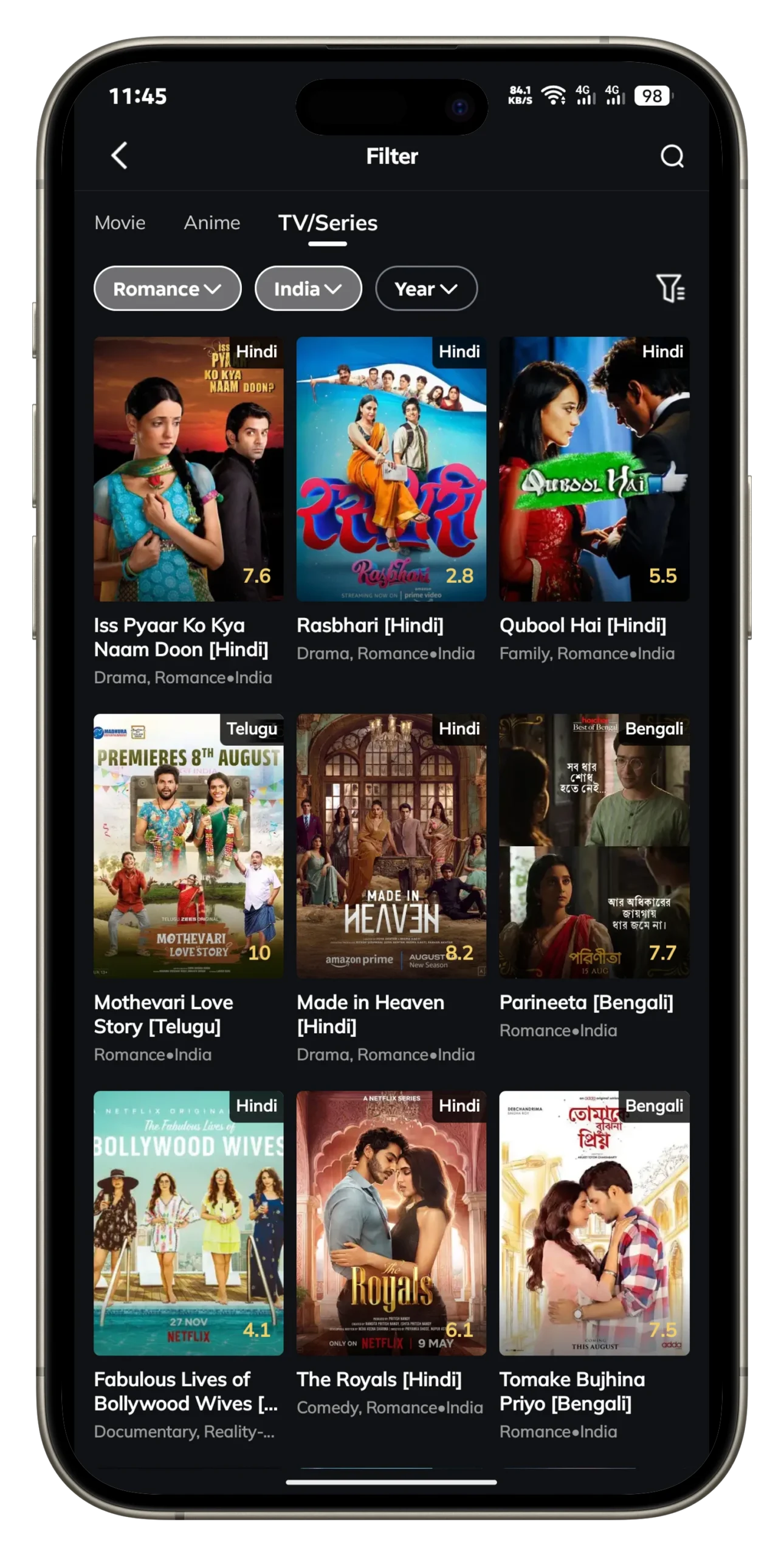
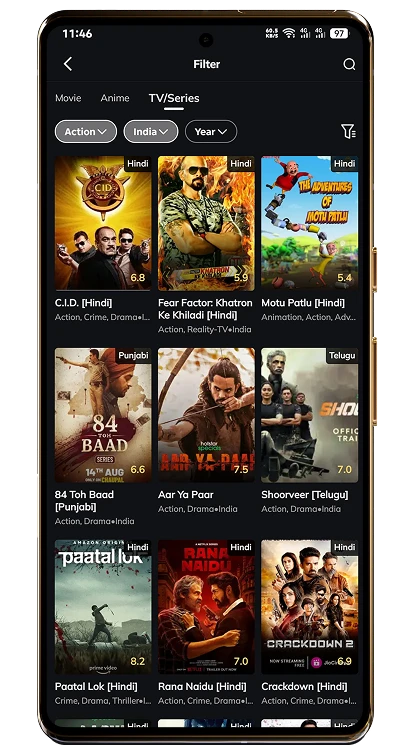
MovieBox Pro iOS provides access to an extensive library of entertainment. Users can stream Hollywood hits, Bollywood favorites, Korean dramas, Japanese anime, and award-winning documentaries. The app’s catalog is updated frequently, with sections like “Featured,” “Trending,” and “MovieLists” highlighting new releases.
2. HD, Full HD & 4K Streaming
The app supports multiple streaming qualities, including 720p HD, 1080p Full HD, and 4K Ultra-HD. On modern iPhones and iPads with Retina displays, the sharpness and color depth are impressive. Users with a MovieBox Pro VIP subscription get access to faster servers and higher bitrates, ensuring smooth playback without buffering.
3. Offline Downloads
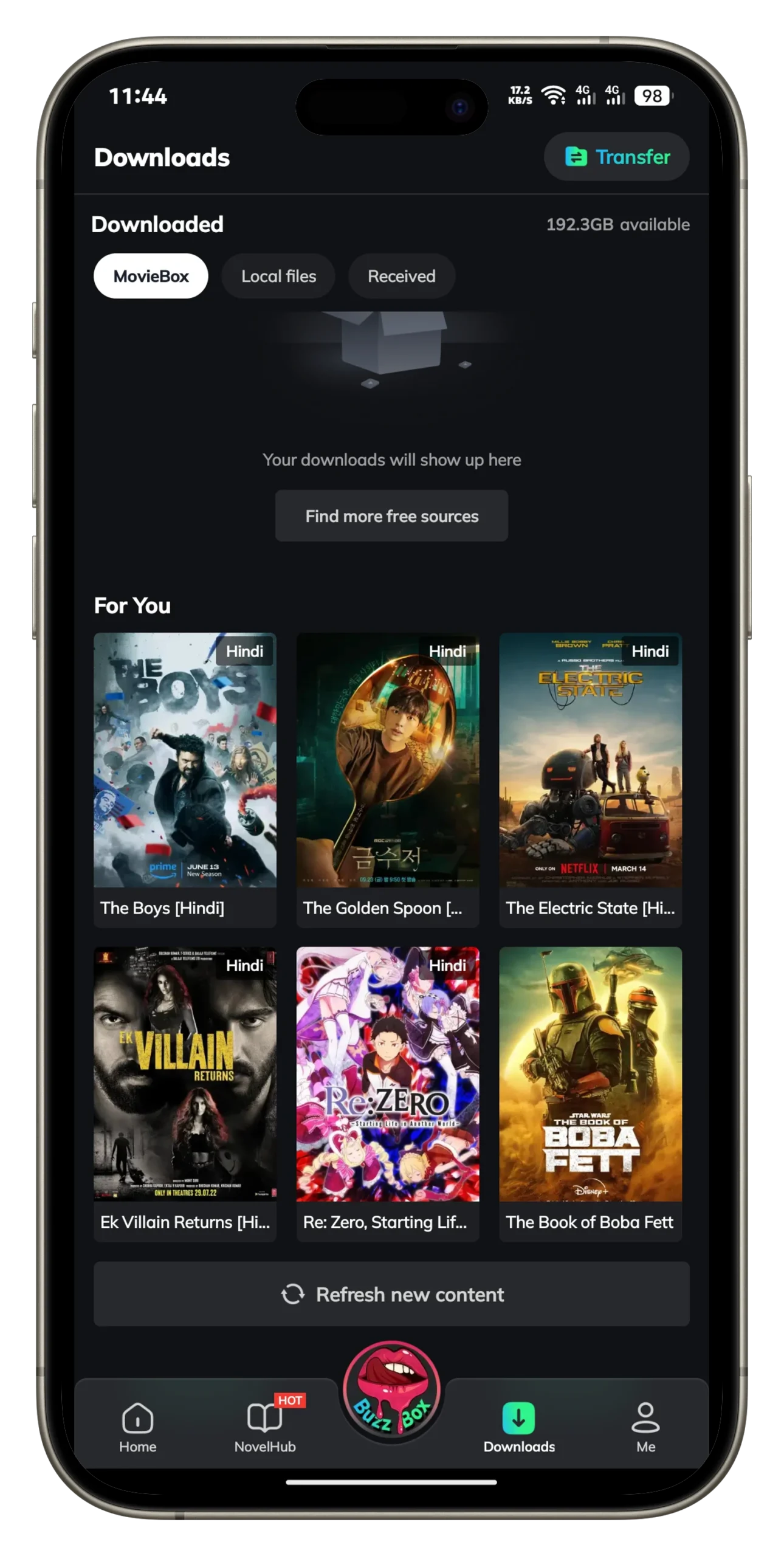
One of the most valuable features for iOS users is offline viewing. You can download movies and TV episodes directly to your iPhone or iPad and watch them later without the internet. This is especially useful for frequent travelers, commuters, or people in areas with limited connectivity.
4. Multi-language Subtitles
MovieBox Pro iOS supports multi-language subtitles, including English, Hindi, Arabic, Spanish, Korean, and French. Subtitles can be customized in terms of font size, color, and style, making the app more accessible to international users.
5. Child Mode & Super Child Mode
Parental controls are a major strength of MovieBox Pro iOS. With Child Mode, the app automatically hides R18+ content, while Super Child Mode only shows curated, parent-approved titles. Both are PIN-protected, giving parents confidence that children won’t accidentally view inappropriate content.
6. User-Friendly Interface
Despite being a third-party app, MovieBox Pro iPhone install results in a polished and user-friendly interface. The design is clean and easy to navigate, with quick search functionality and well-organized categories. Even first-time users find it simple to browse and start streaming.
How to Install MovieBox Pro on iOS
Since MovieBox Pro is not on the App Store, iPhone and iPad users need to use one of the following installation methods:
1. TestFlight (Apple’s Beta Platform)
If developers provide a MovieBox Pro TestFlight link, this is the safest option.
⚠️ Note: TestFlight builds expire every 90 days and slots are limited.
2. Enterprise Certificate / Developer Profile Trust
Some builds use an enterprise certificate to distribute MovieBox Pro. After installation, you must trust the profile:
⚠️ Warning: Apple can revoke enterprise certificates at any time, causing the app to stop working.
Sideload IPA with AltStore or Sideloadly
For more control, you can sideload the MovieBox Pro IPA file using AltStore or Sideloadly.
AltStore Method:
Sideloadly Method:
⚠️ Note: Free Apple IDs require refresh every 7 days; paid developer accounts extend it to one year.
Safety & Privacy Tips for iOS Users
Since MovieBox Pro for iPhone is sideloaded, follow these safety guidelines:
Legal Considerations
Is MovieBox Pro legal?
The legal status of MovieBox Pro iOS is a grey area. While the app offers amazing features, much of its content may not be officially licensed. Streaming copyrighted content without authorization is illegal in many regions.
Apple’s strict rejection of such apps from the App Store highlights the importance of understanding these legal concerns.
Troubleshooting MovieBox Pro iOS
Here are common issues and fixes:
Pros and Cons
Below are some of the pros and cons that an individual must know before getting their hands on MovieBox Pro APK. Give it a read.
PRONS
Cons
(FAQ) MovieBox Pro APK For IOS
✅ Takeaway
MovieBox Pro iOS (2025) is one of the most versatile streaming apps for iPhone and iPad. With HD/4K streaming, offline downloads, multilingual subtitles, Child Mode & Super Child Mode parental controls, and VIP/Family Plan Private Garden support, it rivals mainstream services while costing much less.
The downside is that it isn’t available on the App Store. Instead, iOS users must rely on TestFlight, enterprise profile trust, or sideloading via MovieBox Pro AltStore IPA. These methods are reliable but require extra attention to security and legality.
👉 Bottom line: If you are comfortable sideloading and mindful of copyright laws, MovieBox Pro for iPhone and iPad remains one of the best third-party streaming apps available in 2025.